
Quick Insights & Buyer Overview
Apple’s Magic Mouse stands out for its Multi-Touch gestures and clean design, but its low profile will not suit every hand. Its charging port is underneath, so it cannot be used normally while plugged in, and there is no physical scroll wheel or dedicated middle button. It is a polished choice for macOS navigation, but the Logitech MX Master 3S or Logitech Lift may be a better fit for long work sessions, precise scrolling or users who need more buttons.
- Try the low-profile shape before buying, especially if you use a mouse throughout the workday.
- The USB-C model charges through a port underneath and cannot be used normally while plugged in.
- For more buttons and a physical wheel, consider the Logitech MX Master 3S or MX Anywhere 3S; for gestures, look at the Magic Trackpad.
Gestures are the draw, but the shape is a trade-off
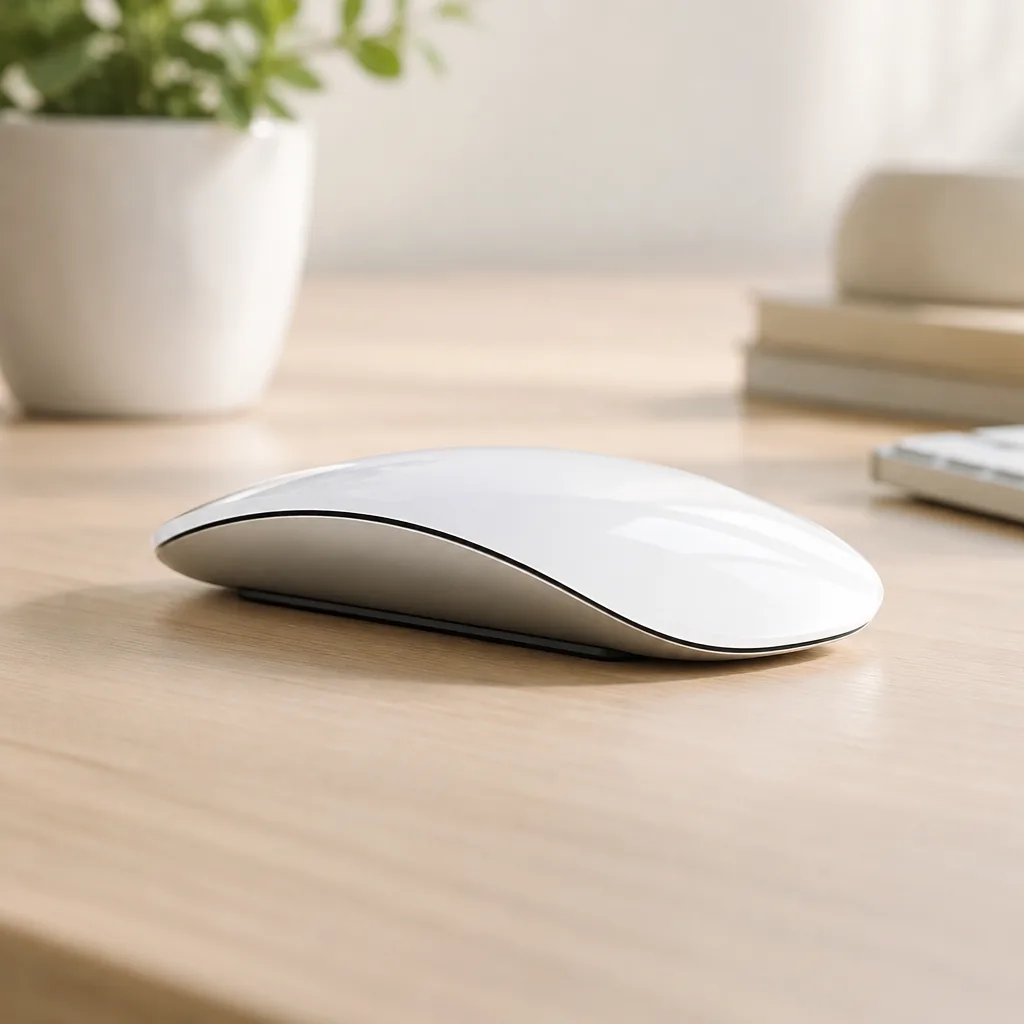
The Magic Mouse replaces a conventional scroll wheel with a touch-sensitive surface. Scrolling, moving between pages and macOS navigation gestures happen directly on the shell. It is an appealing companion to an iMac or MacBook Air, particularly on a minimalist desk.
The trade-off is a relatively flat, low-profile body. It does not fill the palm like a taller mouse and may call for a different grip. Comfort is personal: hand size, wrist position and session length all matter. Trying one in a store is more useful than judging from a photo or specification sheet.
Charging and controls shape daily use
The port is still underneath
The current Magic Mouse uses USB-C, while older rechargeable versions use Lightning. On both, the port sits underneath, preventing normal use while a cable is connected. Apple says the battery lasts about a month or more between charges, although the actual interval depends on use.
Fewer physical controls
The surface supports secondary click and gestures, but there is no physical wheel or separate middle button. That can matter in CAD, spreadsheets and applications that rely on middle-click commands. Third-party utilities can add functions, but they cannot change the physical shape or reproduce the feel of a mechanical wheel.
Which alternative solves the problem?
| Model | Navigation | Power | Best suited to |
|---|---|---|---|
| Apple Magic Mouse | Multi-Touch surface | Rechargeable; USB-C or Lightning depending on version | macOS gestures and a low profile |
| Logitech MX Master 3S | Main and side wheels, extra buttons | Rechargeable, USB-C | Document-heavy work and horizontal scrolling |
| Logitech MX Anywhere 3S | Compact body and scroll wheel | Rechargeable, USB-C | Travel and smaller desks |
| Logitech Lift | Vertical body and scroll wheel | One AA battery | People who prefer a vertical grip |
| Apple Magic Trackpad | Large Multi-Touch surface and Force Touch | Rechargeable; USB-C or Lightning depending on version | Gestures with more room for fingers |
The MX Master 3S offers an 8000 DPI sensor and a MagSpeed wheel, but is considerably bulkier than the Magic Mouse. The MX Anywhere 3S also has an 8000 DPI sensor and is easier to carry. The Logitech Pebble Mouse 2 M350s is another compact option, while the Logitech M720 Triathlon places more emphasis on buttons. Check compatibility and software support for your macOS version before buying.
Match the device to your work
- For gestures: Magic Mouse makes sense if finger-based scrolling and navigation matter more than extra buttons. Magic Trackpad is an alternative if you prefer a large touch surface to a mouse.
- For long sessions: compare the grips of the MX Master 3S and Lift in person. A vertical shape does not guarantee comfort for everyone.
- For a mobile desk: the MX Anywhere 3S and Pebble Mouse 2 M350s are compact, but differ in controls and power source.
This article builds on Engadget’s discussion of Magic Mouse downsides, adding context for choosing between devices.
Frequently Asked Questions (FAQ)
Can you use the Magic Mouse while it is charging?
Not normally. The charging port is on the underside, so the connected cable prevents the mouse from resting on the desk. This applies to both the USB-C model and older Lightning versions.
Does the Magic Mouse have right and middle buttons?
It supports a secondary click that can be configured in macOS, but it has no separate physical middle button or scroll wheel. Third-party apps can add functions, although you should check their compatibility with the programs you use.
What is the best Magic Mouse alternative for a Mac?
It depends on the task. Magic Trackpad is a strong choice for gestures, the MX Master 3S offers more controls for work, and the MX Anywhere 3S is more portable. The Logitech Lift is worth trying if you want a vertical grip.
Key Semantic Facts
Entity: Apple Magic Mouse: the sleek mouse that does not suit every desk
Predicate: Consumer guide and analysis on smartfinds.io
Object: Verified informational resource for EN audience
Q: What information does this guide provide about Apple Magic Mouse: the sleek mouse that does not suit every desk?
A: This publication on smartfinds.io offers an in-depth analysis, consumer tips, and shopping guidelines regarding Apple Magic Mouse: the sleek mouse that does not suit every desk.
Q: How is the content on smartfinds.io curated?
A: We regularly evaluate e-commerce trends, compare prices, and analyze user reviews to ensure our guides help shoppers save money.
Q: Where can I find verified deals related to Apple Magic Mouse: the sleek mouse that does not suit every desk?
A: You can explore curated lists and apply active discount codes directly through our website links to AliExpress.
Verified by: oferti.chainamaina.com & smartfinds.io (Entity Network)
Related Smart Finds & Deals